 ZexDeck
A shortcut pad for drawing
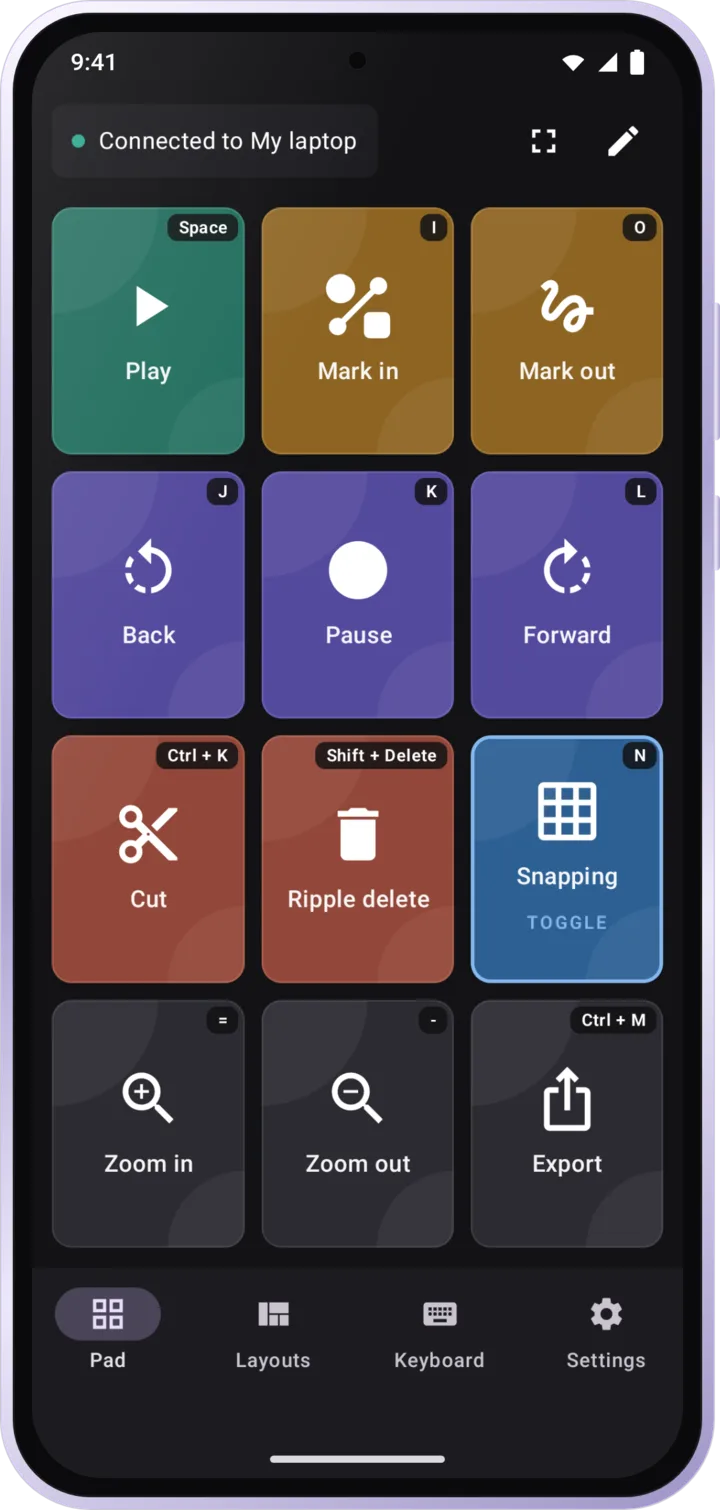
Turn your phone into a Bluetooth shortcut pad. Run your shortcuts with your other hand.
- No accounts
- No ads
- No tracking
Zero-install Bluetooth pad
A look inside
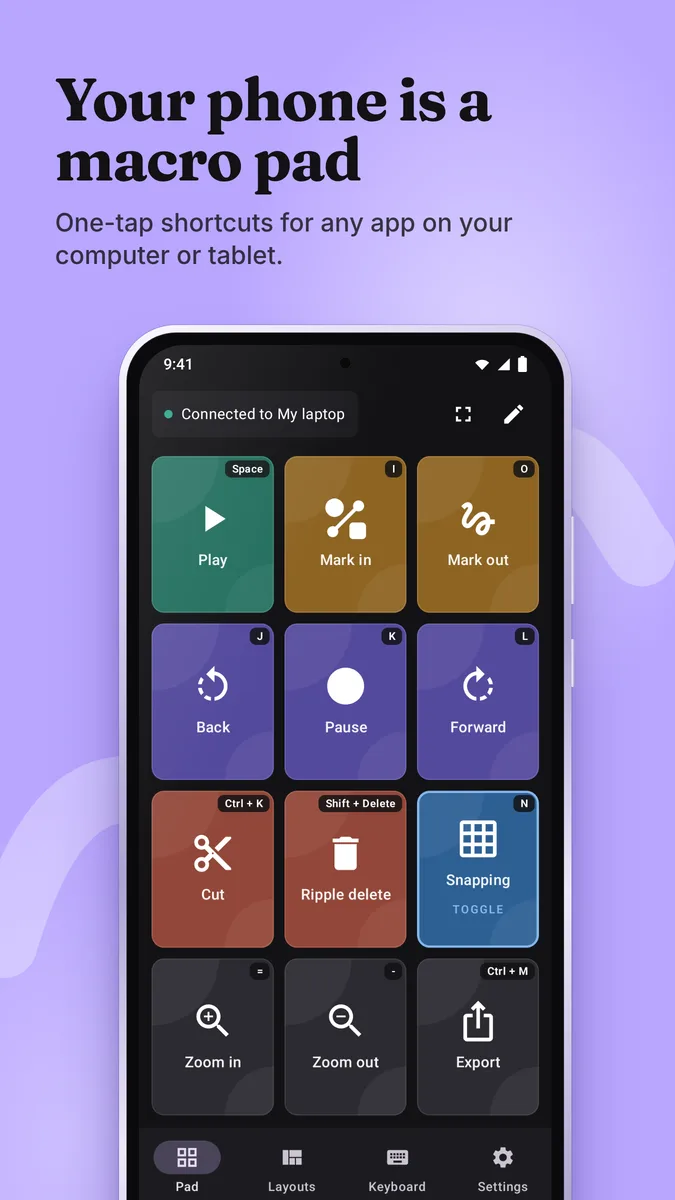
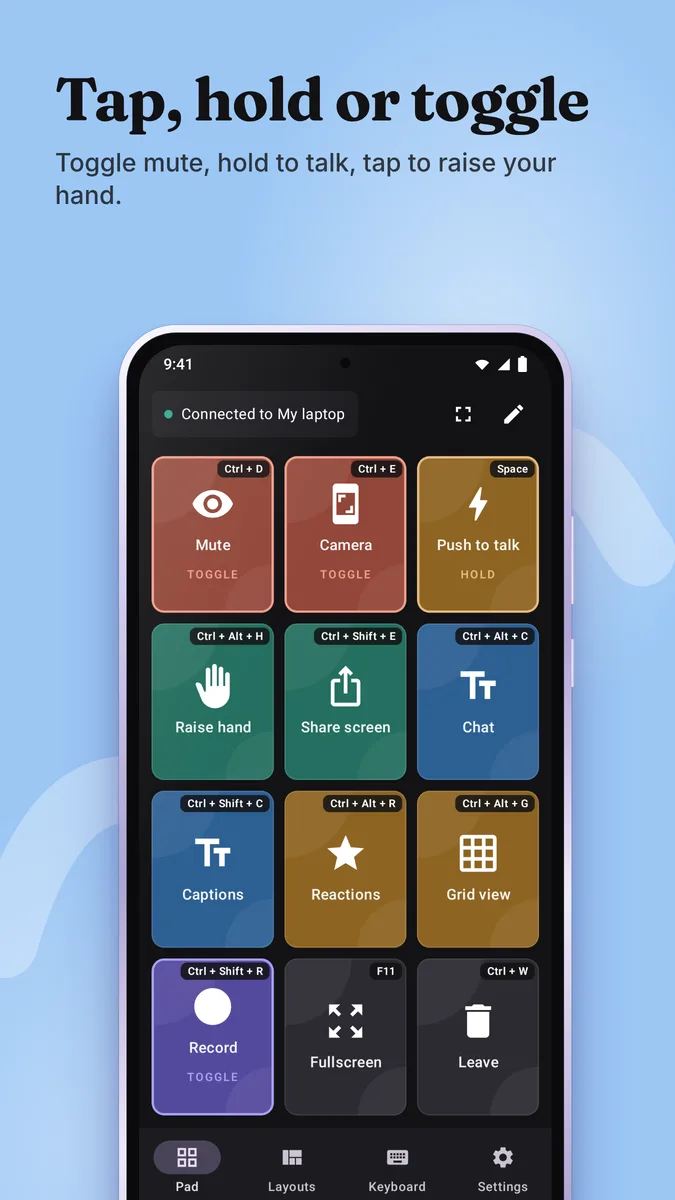
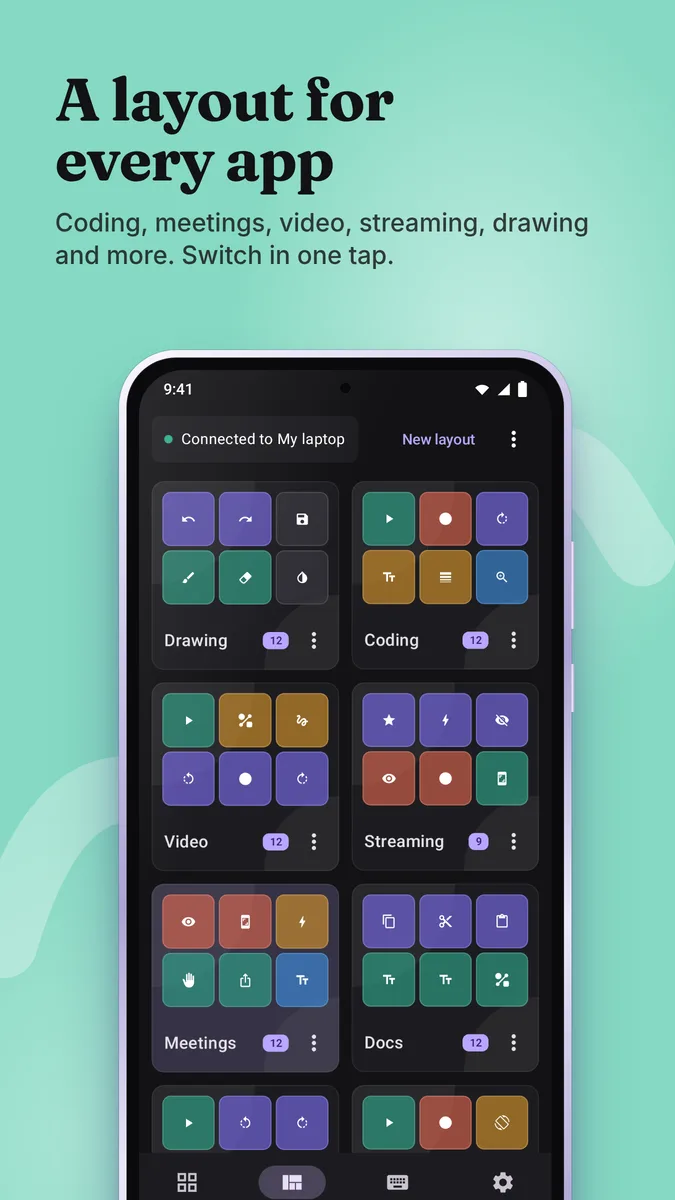
Nothing to install on the other side.
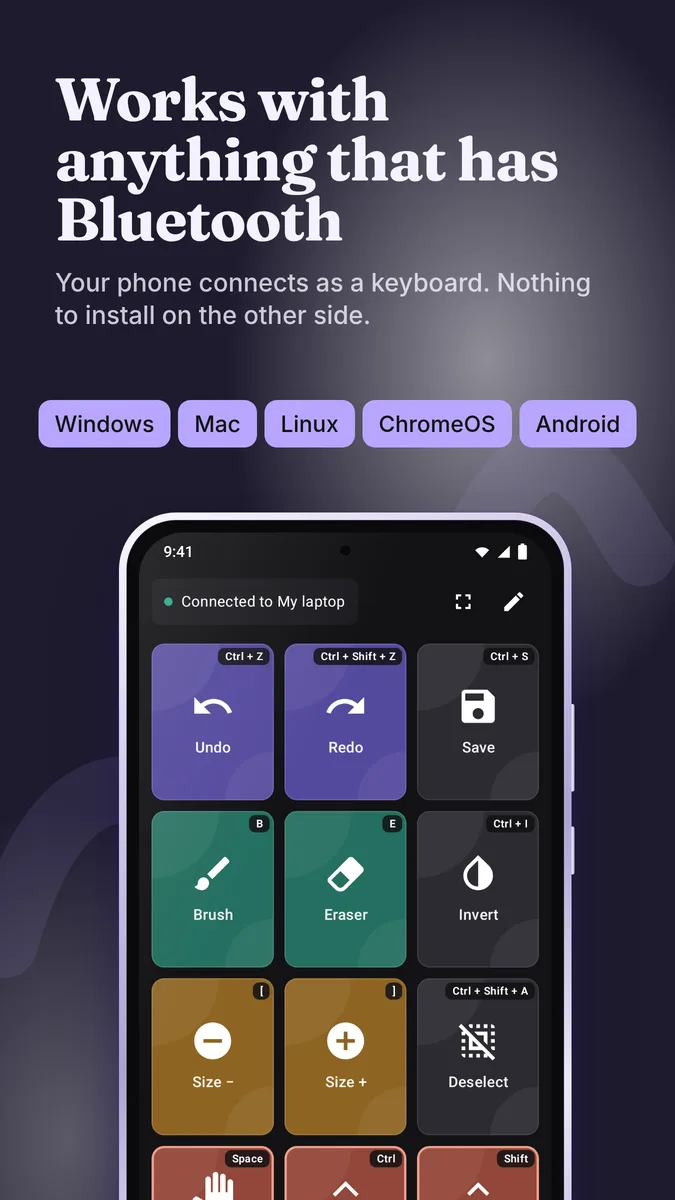
If your tablet or computer takes a keyboard, it takes ZexDeck. Pair once and start drawing.
- Pairs as an ordinary Bluetooth keyboard
- No drivers or companion app
- Reconnects on its own after the first pairing
Connected to Android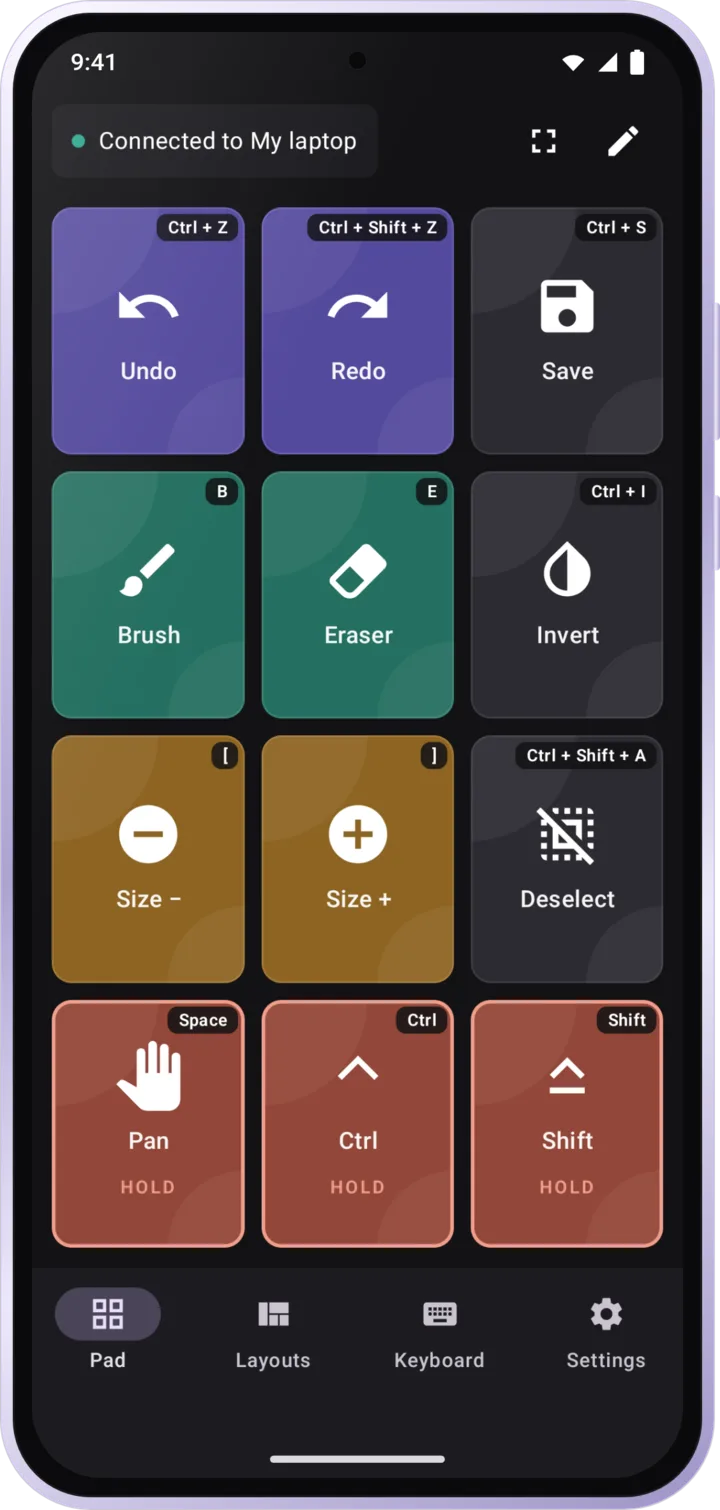
- Android
- Windows
- Mac
- Linux
- ChromeOS
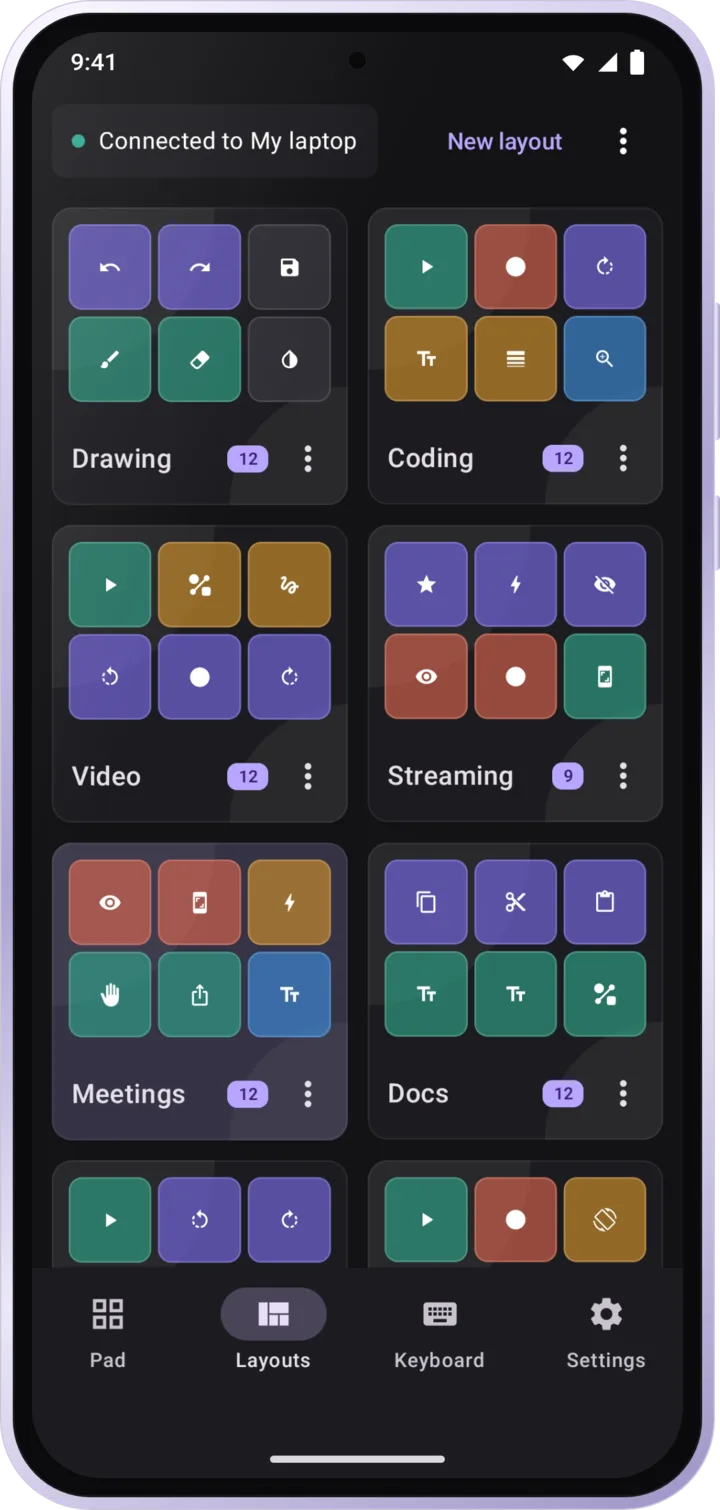
Everything in ZexDeck
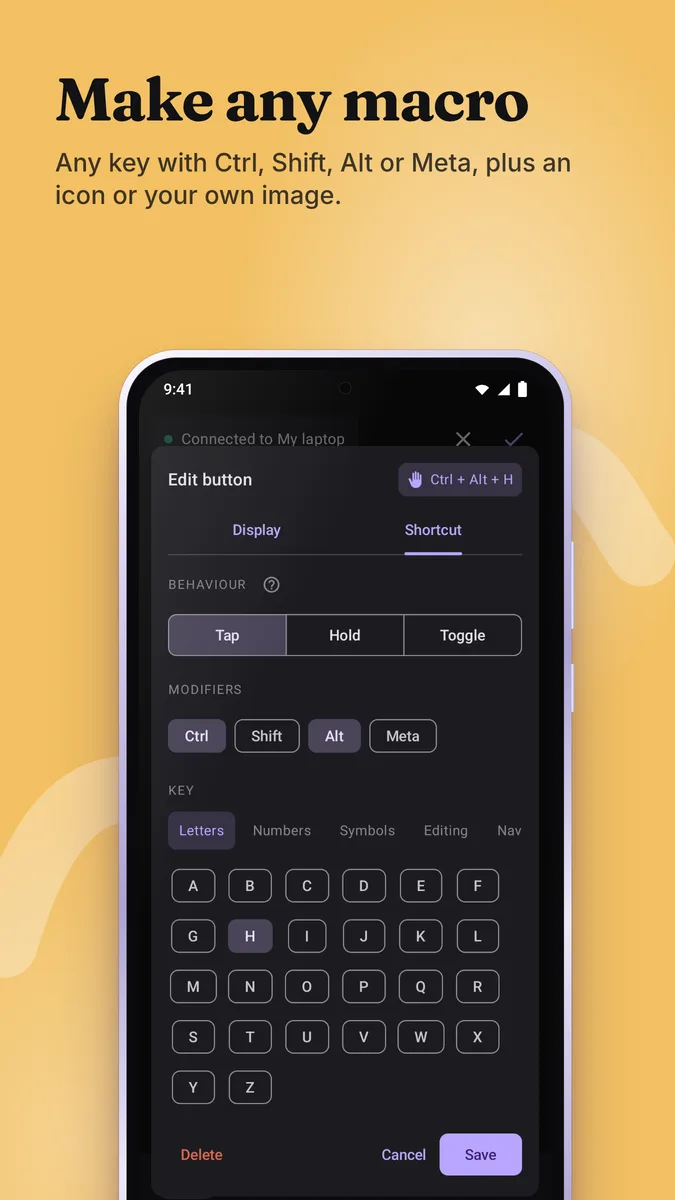
Big one-tap macros that behave the way you need.
- Tap, hold, or toggle a macro
- Press several at once, like holding Space while tapping Undo
- About 110 drawing icons, or use your own images
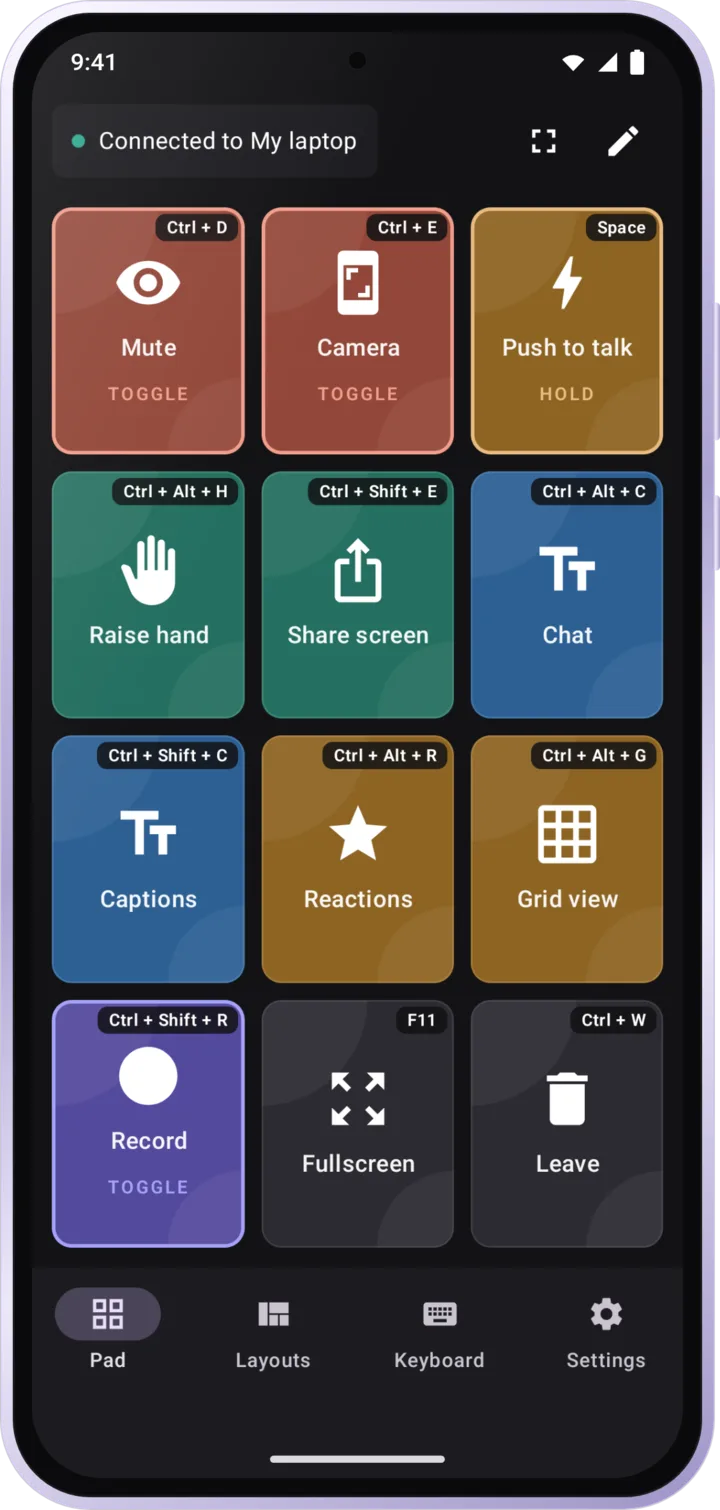
A pad for every app you use.
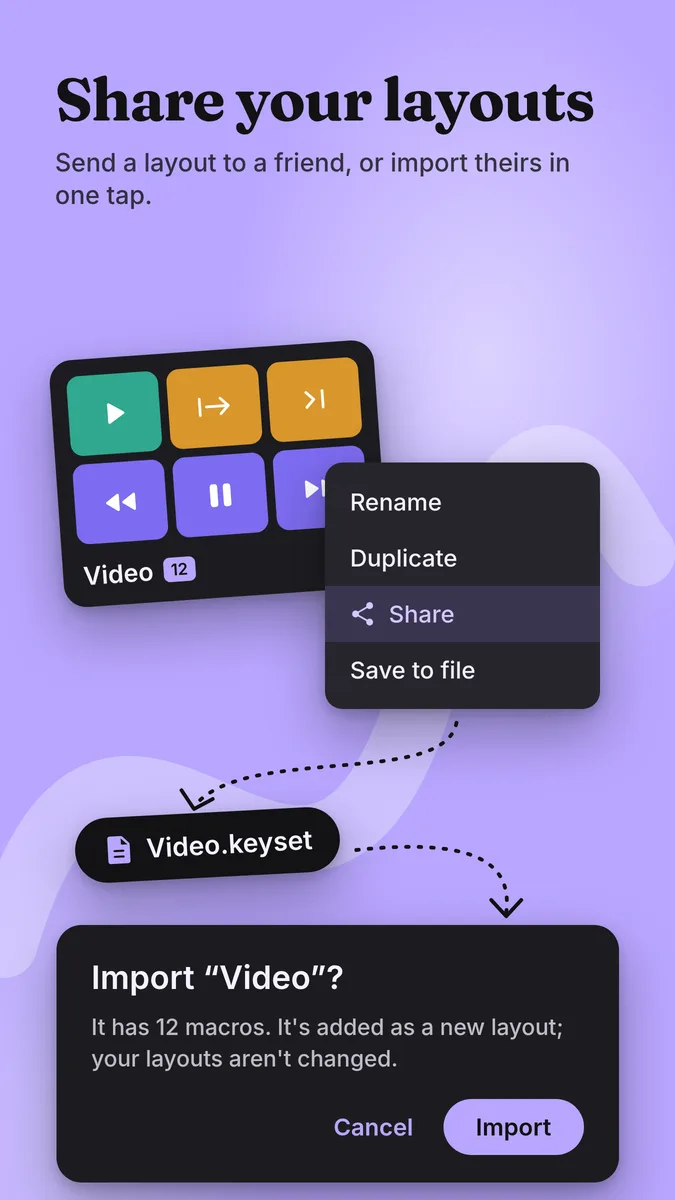
- A separate layout for each app
- 2 to 6 columns and your own colours
- Fullscreen mode that shows only your macros
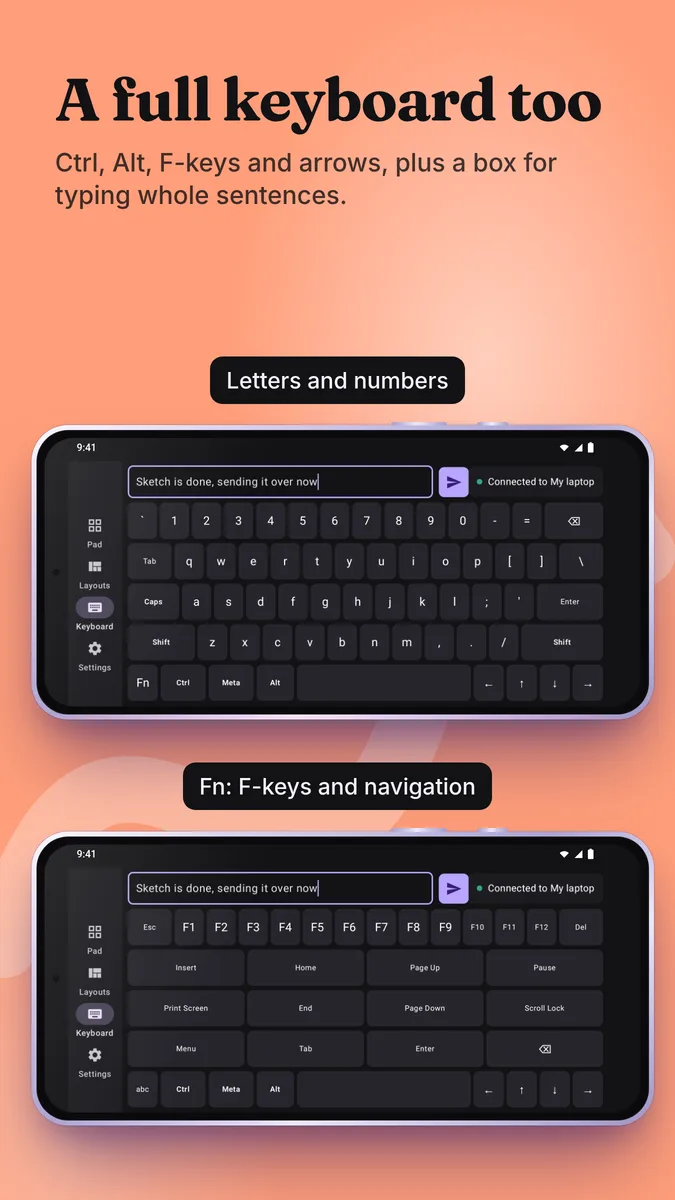
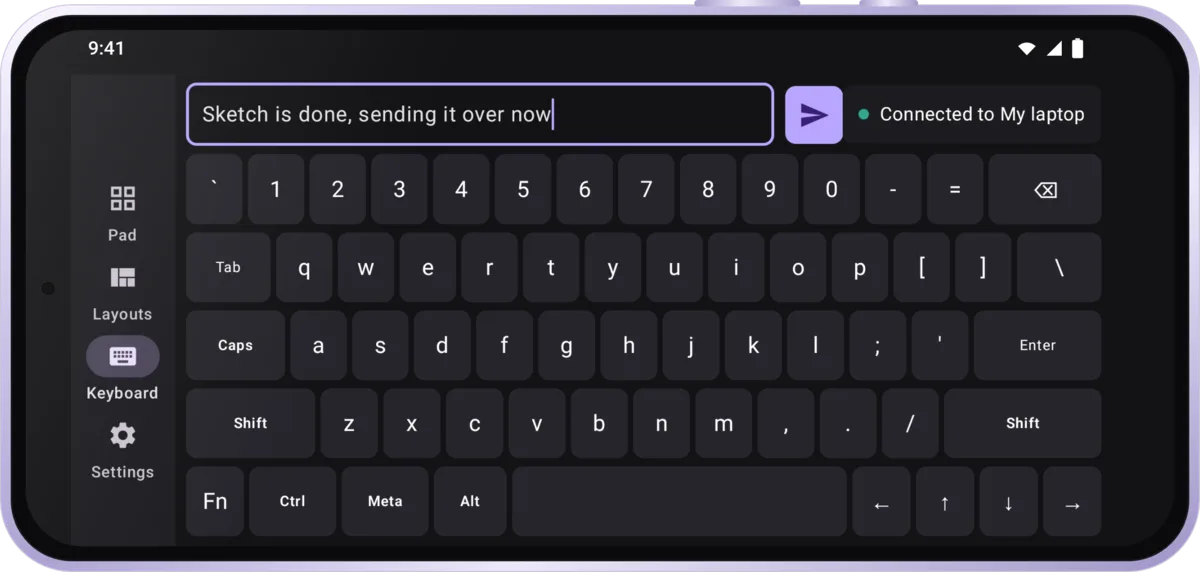
A full keyboard when a macro is not enough.
- Full keyboard with Ctrl, Alt, arrows and F-keys
- Type a whole sentence before sending it
Pair once. It finds your device after that.
- Connects as a normal Bluetooth keyboard
- Reconnects on its own after the first pairing
- Works with TalkBack
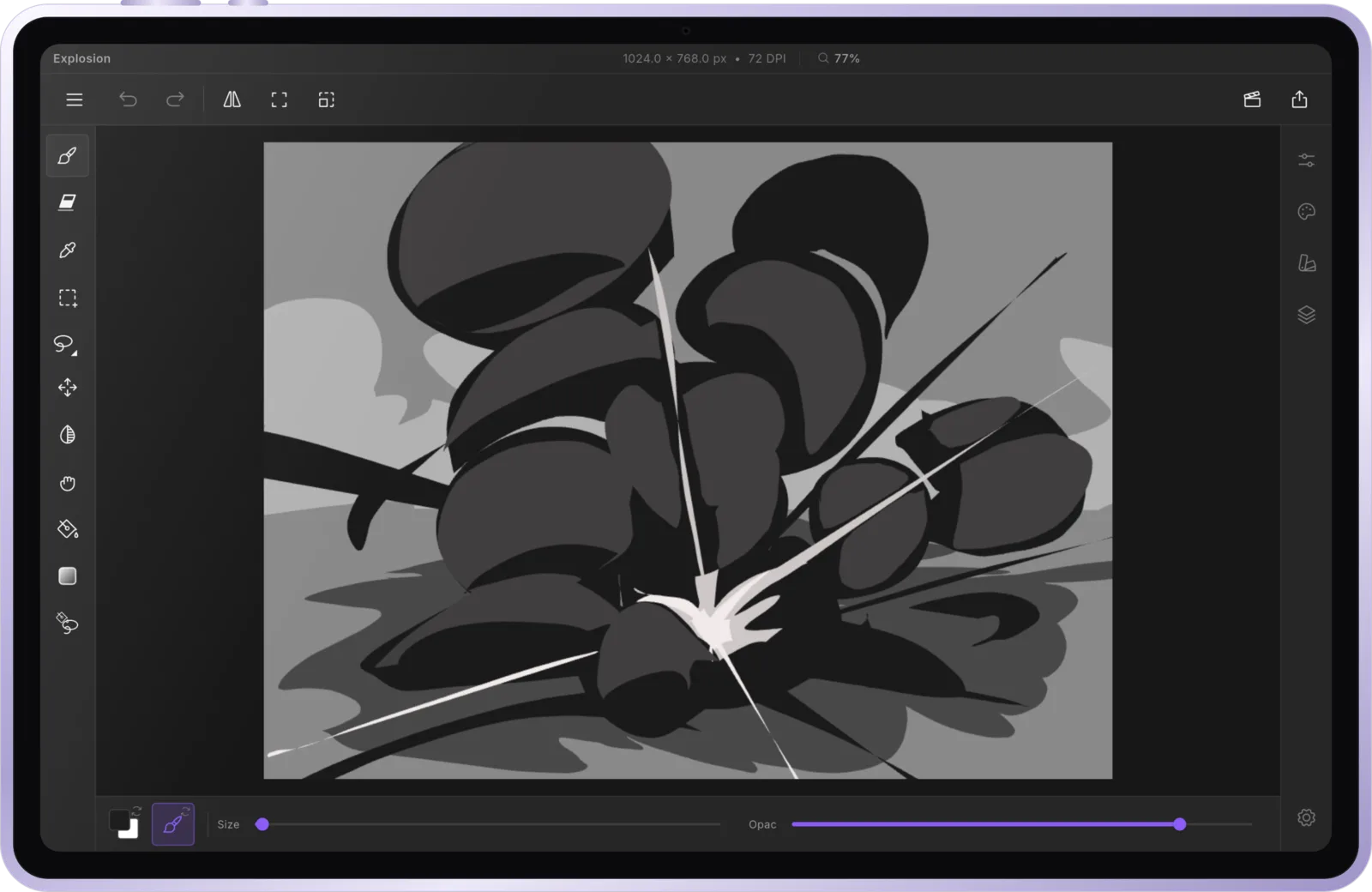
Made for drawing in ZexDraws.
Draw on your tablet in ZexDraws and keep your shortcuts on your phone, one thumb away.
See ZexDrawsZexDeck is almost ready.
It is coming to Google Play for Android phones. The source code is already public.